
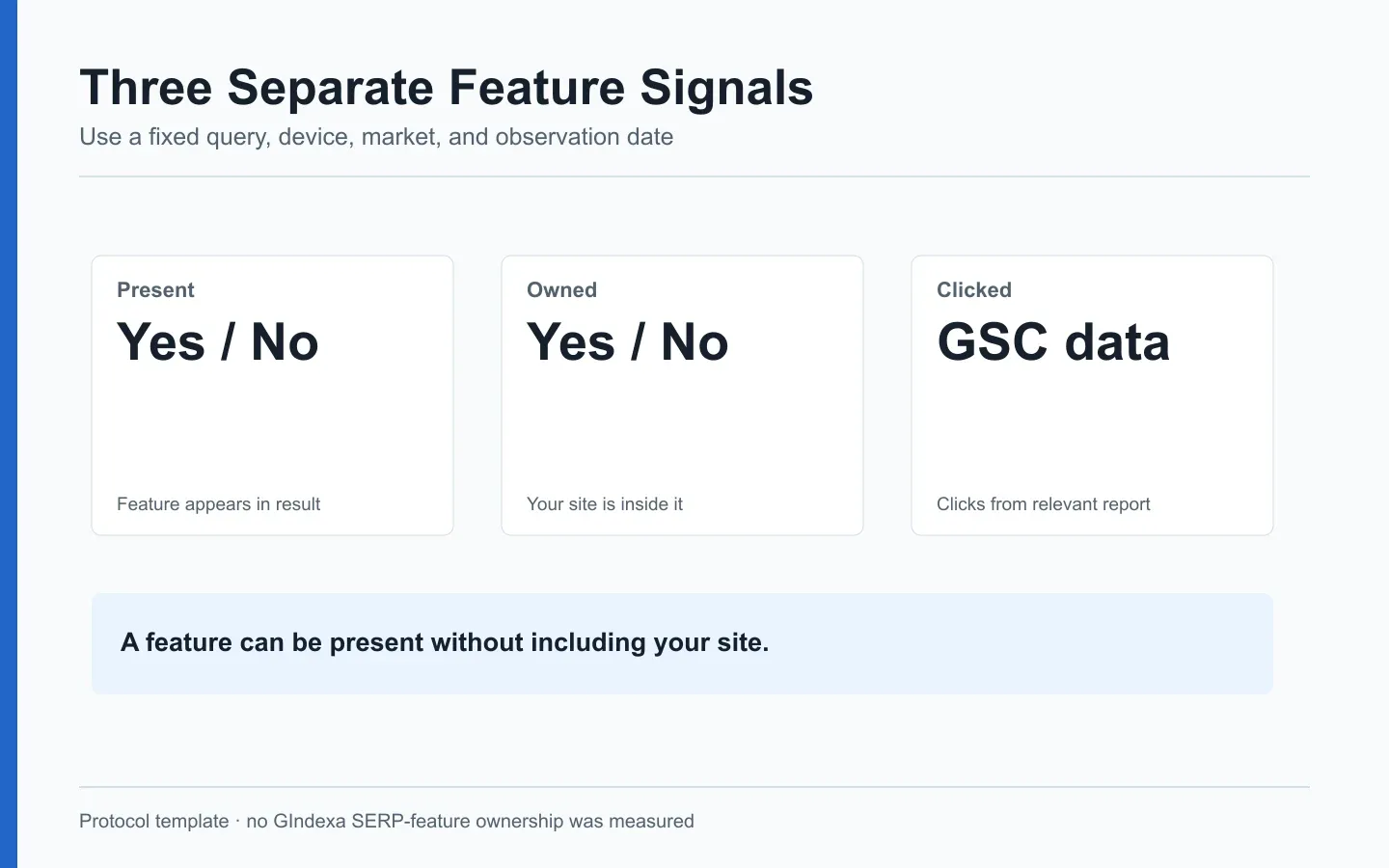
To track SERP features, record three separate facts: a feature appeared for a query, your site occupied it, and a user clicked a result. A screenshot can establish the first two for one search. Search Console can measure clicks and impressions under its own rules. Neither source alone proves the feature caused a traffic change.
You can keep that record in a simple ledger. A rank tool may not have a label for the feature you saw, but the dated capture still tells you what appeared. Keep the capture and your interpretation in separate fields.
Define the Feature Before Counting It
Google’s visual elements gallery provides names and examples for search result components. Use a defined list of features relevant to your site: local results for a service business, product results for a store, or video results for a tutorial publisher. A broad list of every possible element creates work without a decision.
Write down what counts before you start. Is a video carousel the same feature as a thumbnail attached to a text result? Does “local pack present” mean your business was in it? Those answers belong in the worksheet. If Google changes the layout later, you can update the rule and mark where the series breaks.
Each row needs the query, place, device, search surface, timestamp, and feature label. Add separate fields for presence, ownership, the URL or profile involved, a screenshot reference, and any compatible Search Console appearance type. Use “unknown” when ownership is unclear. Label the feature you saw, not the one your structured data made possible.
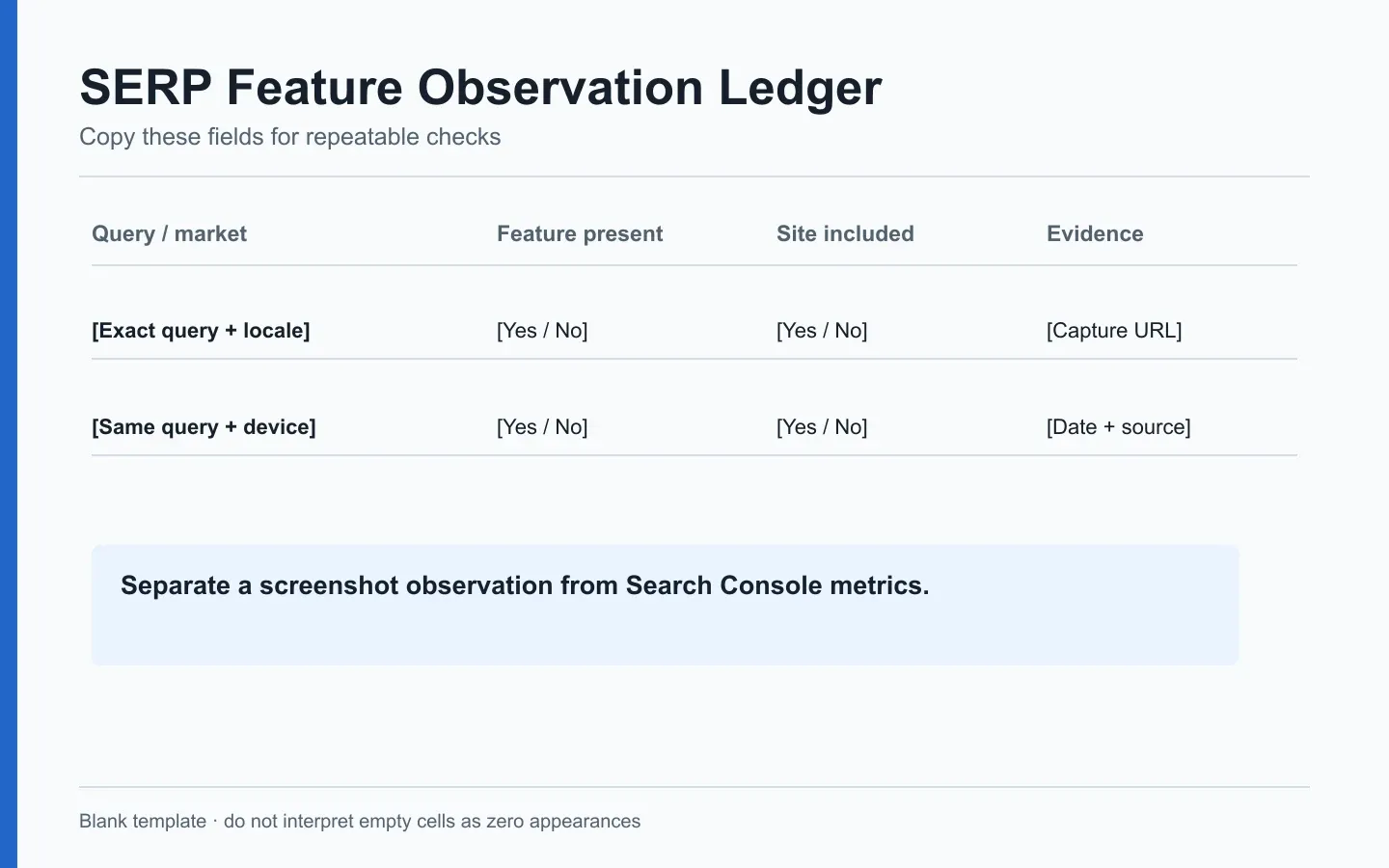
Original worksheet design. Blank evidence fields stay blank until a dated capture or compatible report supports them.
Take a local query where the pack appears but your business is absent. Presence is yes. Ownership is no. Calling that a local win would reverse the finding. A rich result containing your URL is an owned appearance even if the period recorded no click. The click belongs in its own column.
Freeze the Query, Device, and Location Panel
Choose a small query set tied to real pages and tasks. Specify the page or business profile, device, and audience location for each query. Repeat the check on a set schedule and save the exact spelling, language, city, date, and screenshot. Without that context, two captures could differ because you searched from different places.
A nationwide informational site may use a country-level test location and desktop plus mobile. A local service business needs multiple cities because proximity can change the results. Do not average them into a single feature rate without showing the city mix. A single city with a strong local pack may dominate the reported percentage.
Adding a query changes the panel. Mark a new version and keep the old set for the trend line. Do the same when you add cities or devices. A feature “gain” is hard to interpret if the new queries are ones where that feature appears often. Show the fixed-panel rate beside a separate count for newly tracked queries.
| Ledger measure | Formula for a fixed panel | What it means |
|---|---|---|
| Feature presence rate | Observations with the feature / valid observations | How often the selected SERPs showed it |
| Ownership rate | Owned feature observations / feature-present observations | How often the site occupied it when available |
| Click rate | Compatible Search Console clicks / compatible impressions | Click behavior in a defined report view, not a feature causal effect |
The first two rates come from the observation ledger. The third comes from a reporting system, if a compatible appearance dimension exists. Do not divide a manual screenshot count by Search Console clicks. The units and observation windows differ.
Reconcile Manual Captures With Search Appearance Data
Search Console offers Search appearance filters for supported result types. It does not expose every visual element as a dedicated row. A manual capture may show a feature that has no corresponding appearance filter. That is a measurement limit, not evidence the capture is wrong.
Choose a compatible report view, then hold search type, property, country, device, date, and appearance filter fixed. A Web text result and an Images search impression are different surfaces. GIndexa’s first-party baseline used Web data for September 2-29, 2026. We did not extract feature ownership rows for that window, so this guide does not claim that GIndexa gained rich results, local features, or AI placements. The real baseline of 3,748 Web impressions and 15 clicks provides context only.
Google’s structured-data guidance is clear that eligibility does not guarantee rich-result display. A valid test result means the page meets detectable requirements. It does not establish that a feature appeared for a query, that it persisted through the month, or that it earned clicks. Maintain three columns: technical eligibility, observed ownership, and measured performance.
Picture a product page that passes a rich-result test while a competitor’s product result appears for your target query. Mark your page eligible, the product feature present, and your ownership as no for that dated search. Leave clicks unassigned until a compatible Search Console view can support the number. The test and the SERP capture answer different questions, and neither should overwrite the other in the ledger.
If a report offers an appearance type, check whether its rows are page- or property-aggregated and how they can overlap with a broader Web total. Do not add appearance impressions to Web impressions as a separate audience. The appearance view describes a subset or classification of activity already included in the relevant search report.
Investigate a Feature Gain Without Claiming Causality
Imagine a fixed panel with owned video results on eight of 20 checks this month and four of 20 last month. Those counts are hypothetical. Ownership appeared more often in that panel. Before crediting a page edit, confirm the queries, locations, devices, video URL, and checking schedule stayed the same. Then compare compatible impressions and clicks. A click increase may have other causes.
With a stable method you can say, “We checked the same five US mobile queries weekly and observed more owned video results after the page update.” You still cannot say the update caused Google’s choice. That would take a controlled comparison, and most routine feature reports do not have one.
When a feature disappears, check the competitors first. Is the feature still on the SERP but missing your page? Review eligibility and content fit. Did the whole module disappear? Editing your page may accomplish nothing. Keep “feature absent” and “feature present, not owned” as different statuses.
Decide When a Feature Deserves a Page Change
A feature opportunity is worth pursuing when it matches the user’s task and the page can supply the required answer. A recipe publisher may improve its recipe page and structured data for recipe results. A finance article cannot become a recipe merely because a SERP has a recipe module. The feature follows the page’s purpose.
Review the result’s actual content requirements in Google’s Search Central appearance documentation. Check the page in the appropriate test or enhancement report, then inspect a dated result. If the feature is present and a competitor owns it, compare answer format and eligibility. If your page already wins an ordinary link and gets useful clicks, estimate the likely value of further work before assigning a redesign.
For a broader SERP shift, document the result pattern and the affected query-page rows. The SERP meaning guide helps identify the search task. The SEO reporting pillar explains how to turn the finding into an owner, due date, and success check. Do not turn every newly observed module into a new landing page.
Report Feature Evidence With Its Limits
The monthly note can be short: panel version, check schedule, presence rate, ownership rate, and measured clicks if a compatible view exists. Link the source captures. A small table with those definitions is easier to audit than a dashboard whose “owned” count no one can explain.
For GIndexa, the feature row is pending. We have Web clicks and impressions, plus dated title-link observations in the SEO title audit. We have not collected a rich-result ownership panel. Write “not measured” in that cell. A zero would imply we checked and found none.
Search features evolve, so keep the definition sheet alongside the data. Google’s 2026 Search Generative AI reporting note says broad Web totals include AI-related data. If you include a specific generative report, state its scope and do not sum it with Web totals. The principle is the same for every new interface: record what the source measures before adding a number to the executive slide.
Frequently Asked Questions About Tracking SERP Features
How Do I Count a Feature That Appears but Does Not Include My Site?
Mark presence yes and ownership no. That row shows an opportunity or a competing result, not a win. Keep its screenshot so the ownership decision can be reviewed later.
What if a Rich Result Test Passes but I Never See the Feature?
Record eligibility as passed and observed ownership as unconfirmed. Google can choose whether to show an eligible rich result. Check representative queries, devices, and the relevant Search Console appearance view before escalating a technical issue.
Can I Add Search Appearance Impressions to Total Web Impressions?
No. An appearance view classifies activity within a reporting scope. Adding it to the broad Web total risks double counting. Present the appearance row as a subset or separate diagnostic view with its filter stated.
How Should I Handle a Feature That Changes Names or Layout?
Keep the original screenshot and source label. Add a versioned mapping from old to new labels, and avoid a continuous trend until the counting rule is comparable. Note the break in the report rather than smoothing it away.
How Many SERP Checks Are Enough to Claim a Trend?
There is no universal threshold. Choose a fixed query panel and cadence based on the decision’s cost. Report the number of valid observations and the contexts covered. A handful of screenshots can identify a possible issue, but should not support a market-wide prevalence claim.
Should I Count a Featured Snippet and a Text Link on the Same SERP Twice?
For feature ownership, record the snippet as one owned feature observation and note the separate text link if it matters. For click performance, use the reporting system’s defined metrics. Do not sum manually observed placements as if they were distinct users or impressions.
What Do I Do When a Rank Tool and My Screenshot Disagree?
Check query spelling, time, city, language, device, search surface, and personalization settings. Save both records. If the difference persists, treat it as variation across collection methods and inspect Search Console’s aggregate query-page metrics before assigning a page change.