
Start SEO while you plan the website, then keep it involved through design, development, launch, and improvement. Do not finish the site and hand it to an SEO specialist as if search were a coat of paint. Do not freeze a keyword plan first and force design around it either.
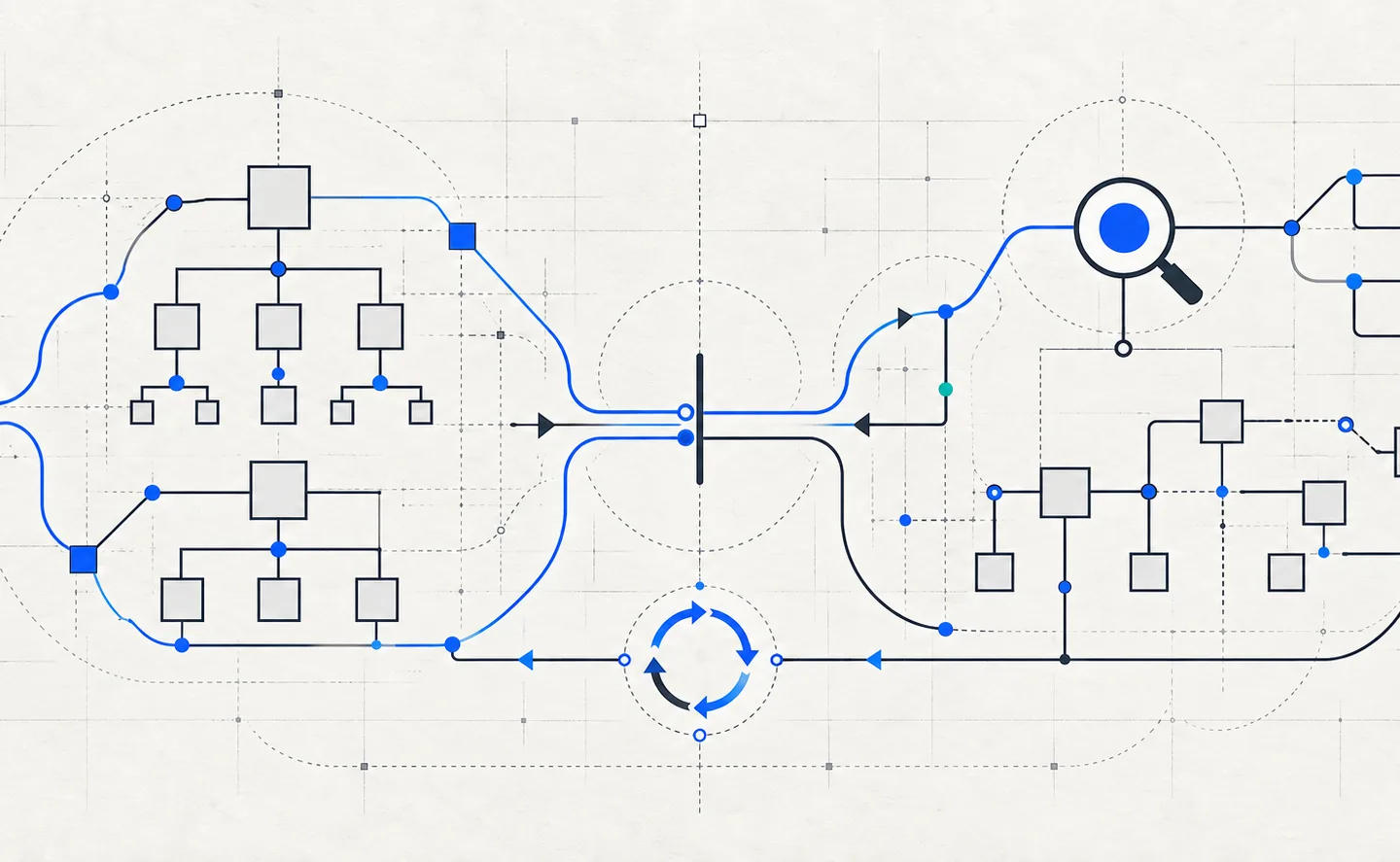
The practical answer is one shared process. Search research helps define which pages the site needs and how they connect. Design and development turn those requirements into a usable, crawlable site. Post-launch data then shows what people search for, which pages Google discovers, and where the site needs work.
The Short Answer: Start SEO During Website Planning
SEO should begin before wireframes, navigation, URLs, and page templates become expensive to change. That does not mean every title, article, and backlink must exist before a designer starts. It means the team should understand the audience’s search tasks, the required page types, the likely site structure, and any search value an old site must preserve.
Google defines SEO as helping search engines understand content and helping users decide whether to visit through search. Its SEO Starter Guide covers site organization, crawl access, titles, links, images, and useful content. Those are content, design, and engineering concerns as much as marketing concerns.
The useful distinction is simple: SEO planning starts before the build, SEO implementation happens during the build, and SEO learning starts after launch.
Why SEO After the Build Creates Avoidable Rework
A title tag is easy to edit after launch. A site hierarchy is not. If search research reveals that customers look for separate services, locations, use cases, or product categories, the finding can change navigation, page templates, URL paths, and content ownership. Discovering that after design approval can force the team to reopen work it thought was complete.
The same problem appears in technical decisions. A visually complete site may hide important content behind client-side scripts, use buttons where crawlable links should exist, create duplicate URL variants, or ship image and font choices that hurt load performance. The guide to crawling, rendering, and indexing explains why a page that works in a browser can still fail earlier in Google’s pipeline.
Google says every important page should have a link from another page on the site. Its link guidance also asks for real <a> elements with working href values and descriptive anchor text. Those requirements belong in navigation components and content templates. Adding them late often means changing shared code, not filling out an SEO field.
An existing site raises the cost further. A redesign can remove indexed pages, change established URLs, break internal links, and discard backlinks that point to old addresses. Google warns that significant site moves can cause ranking changes while its systems recrawl and reindex the new URLs. Its site migration guidance recommends careful planning, permanent redirects, testing, Search Console, and post-move monitoring.
What SEO Should Decide Before Design Begins
Early SEO should produce design inputs, not a thick report that sits beside the project. Four decisions matter most.
First, name the search tasks the website will serve. A visitor may need to compare products, check compatibility, understand a service, find a local branch, or solve a technical problem. The keyword research workflow can group those needs by intent and proposed page type. It should not assign one page to every keyword variation.
Second, turn those tasks into a content and page inventory. Decide which needs belong on the homepage, service pages, product or category pages, help content, and editorial resources. This inventory gives the designer real content shapes instead of empty boxes. It also exposes pages that need a distinct template or a clear place in navigation.
Third, agree on stable architecture rules. Define the main hierarchy, URL conventions, breadcrumbs, internal link paths, and canonical pattern. A new site can still change, but casual path changes become less likely when each section has a purpose.
Fourth, preserve evidence when the project is a redesign. Export existing URLs, organic landing pages, backlinks, conversions, canonicals, and internal links before anyone deletes or renames content. Mark each old URL as keep, improve, merge, redirect, or retire. The website launch SEO playbook provides a sequence for that work.
The output can fit on one shared planning sheet:
| Decision | Evidence | Website Output |
|---|---|---|
| Audience task | Search results, customer questions, first-party data | Page purpose and content brief |
| Page set | Intent groups and current content | Sitemap and navigation |
| URL rules | Taxonomy and migration needs | Stable route pattern |
| Search value to preserve | Analytics, Search Console, backlinks, crawl | Keep and redirect map |
| Measurement | Business goals and current baseline | Analytics and Search Console plan |
What Developers Should Build With SEO in the Loop
Development is where search requirements become testable behavior. The SEO owner does not need to approve every line of code, but the acceptance criteria should cover what crawlers and users receive.
Navigation and contextual links should render as HTML anchors with real destinations. Important page copy, headings, titles, canonicals, and robots directives should appear consistently in the response and rendered document. Template defaults should prevent missing titles and descriptions without making every page identical. Structured data should describe visible content, not invent details that the page never shows.
Performance also belongs in the build. Google’s Web Vitals documentation measures loading, responsiveness, and visual stability through LCP, INP, and CLS. Lab tests help developers catch regressions before release, while field data shows what real users experience later. It is much easier to set image dimensions, control third-party scripts, and choose a sensible rendering strategy during development than to repair every template after launch.
Use staging for repeatable checks. Keep it out of search with access controls or a noindex directive that the live release removes. Crawl the routes the same way a user or search engine would move through them. Test mobile layouts, status codes, canonical tags, metadata, internal links, structured data, and performance by template. Record failures as development tickets with an owner and a pass condition.
What to Check Before the Website Launch
The pre-launch check should confirm that planned search behavior survives the real deployment. It is not the moment to invent the site’s SEO strategy.
Run a crawl of the final staging build and compare the discovered URLs with the approved inventory. Inspect representative pages from every template. Confirm that public pages return 200, retired URLs have a deliberate outcome, and the live site will not inherit staging’s noindex or crawl block.
For a redesign, test every redirect mapping and reject chains where one direct permanent redirect will do. Update internal links to their final destinations. Check canonicals, hreflang where relevant, robots.txt, XML sitemaps, analytics, consent behavior, and Search Console ownership. Make sure a custom 404 page returns a real 404 status.
A sitemap helps search engines discover URLs, especially on a new site with few external links. Google’s sitemap documentation also makes an important limit clear: a sitemap does not replace internal links. Important pages should still be reachable through the site’s own navigation and contextual links.
The launch owner should have a rollback path, a final checklist, and a short list of high-value URLs to test as soon as the release finishes. That turns launch day into verification rather than guesswork.
What SEO Still Needs After Launch
Launch does not complete SEO because planning data cannot show how the live site behaves. Request important URLs from outside the staging environment. Confirm status codes, redirects, canonical tags, robots directives, rendered content, and analytics events. Submit the sitemap in Search Console when appropriate, then inspect representative URLs rather than requesting the same page repeatedly.
Watch for crawl errors, unexpected noindex tags, duplicate URLs, redirect faults, missing pages, and traffic changes on important landing pages. For a migration, compare old and new URL groups. Sitewide traffic alone can hide a broken service section.
Real search data should then revise the original plan. Search Console can reveal which queries reach each page, where two URLs overlap, and which expected topics receive no impressions. Field performance data can expose slow templates or unstable layouts that passed a lab test. Customer questions can show that a page uses the wrong language or leaves a decision unanswered.
Post-launch SEO also includes publishing, internal linking, promotion, and earning relevant references from other sites. A technically clean site with thin answers has little to offer. A useful resource that no relevant page links to may remain hard to find. The work shifts from building the foundation to testing and improving it.
When a Website-First MVP Is Reasonable
A small minimum viable product may need to launch before a complete search program. That can make sense when the offer, audience, or business model is still changing, when a private beta needs a working page, or when delaying release would block direct customer learning.
Website first does not have to mean SEO ignored. Keep the first version small and reversible. Use a stable domain, one preferred URL for each real page, crawlable navigation, readable HTML, accurate titles, mobile-friendly layouts, and basic measurement. Avoid publishing dozens of placeholder pages or changing paths every week. If the product is not ready for public discovery, keep it private or use noindex until the content can serve a visitor.
The team can postpone a broad content program, detailed topic coverage, and active link acquisition. It should not postpone basic access, clear page purpose, or ownership of future search work. An MVP is an exception to scope, not an excuse to create technical debt on purpose.
Use One Timeline Instead of Two Hand-Offs
The cleanest process assigns one owner to each search decision and keeps the evidence beside the website work.
| Phase | SEO Contribution | Shared Deliverable |
|---|---|---|
| Planning | Audience tasks, demand, existing search value | Page inventory and goals |
| Design | Hierarchy, content needs, internal paths | Sitemap, wireframes, content briefs |
| Development | Crawl, render, metadata, performance rules | Testable templates and routes |
| Pre-launch | Crawl, redirects, index controls, measurement | Signed release checklist |
| Post-launch | Index checks, query data, field performance | Ranked fixes and content plan |
This model avoids two bad extremes. SEO does not dictate every design choice, and design does not lock search-critical decisions before anyone tests them. The teams make tradeoffs together while changes are still cheap, then use live evidence to improve the result.
The answer to “website first or SEO first” is therefore neither. Start with the customer task and the site requirements. Bring SEO, content, design, and development into the same plan. Launch only after the foundation passes real checks, then keep learning from the live site.
Frequently Asked Questions About SEO and Website Design
Can You Add SEO After a Website Is Built?
Yes. You can improve content, metadata, internal links, performance, structured data, and crawl controls on an existing site. The cost depends on what must change. Editing a title is small. Replacing the URL structure, navigation, rendering model, or page templates can become a redesign. Audit the current site first so you preserve useful pages and links while fixing the foundation.
How Long Before Launch Should SEO Start?
Start when the team defines the audience, page set, navigation, and URL rules. That may be weeks or months before launch on a large site, but the calendar matters less than the decisions. SEO needs input before the sitemap and templates become fixed. Continue checks during development and reserve time for a final crawl before release.
Should a Staging Website Be Indexed by Google?
Usually no. A public staging copy can create duplicate URLs, expose unfinished content, and confuse measurement. Protect it with authentication when possible. A noindex directive can help when authentication is not practical, but the release process must remove it from the live site. Do not block crawling in robots.txt if you need Google to see the noindex directive.
Does a One-Page Website Need SEO Planning?
Yes, but the plan can stay small. Define the page’s audience and task, choose one stable URL, write a clear title and main heading, use readable HTML, optimize images, and add measurement. A one-page site becomes limiting when the business must answer several distinct search tasks. Add a page when it has a real job instead of serving another keyword variation.
Is SEO Still Relevant When Search Results Include AI Answers?
Yes. Search engines and AI answer systems still need accessible pages, clear information, useful evidence, and sources they can discover. AI features may change which visits reach a website, so measure them separately where data allows. Do not replace technical access and helpful content with a second checklist of AI terms.